Step 1
Start from what you have
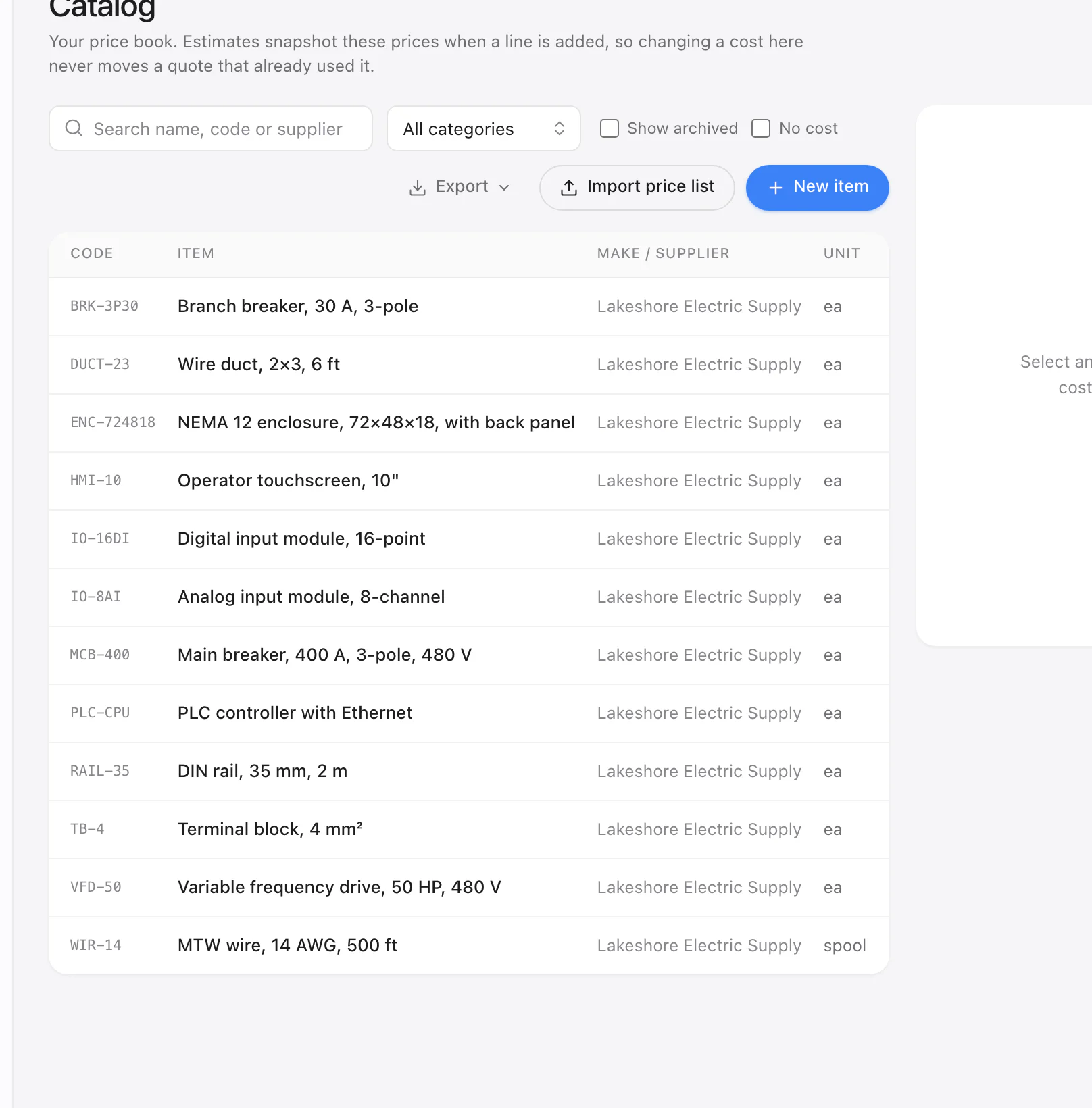
Upload the spreadsheet you quote from today, or your distributor's price list, mess and all. CostBook sorts it, skips subtotals, fills gaps. It learns each distributor's layout, so next month's update takes seconds.
Or start from the sample panel-shop price book and build a test quote in minutes.
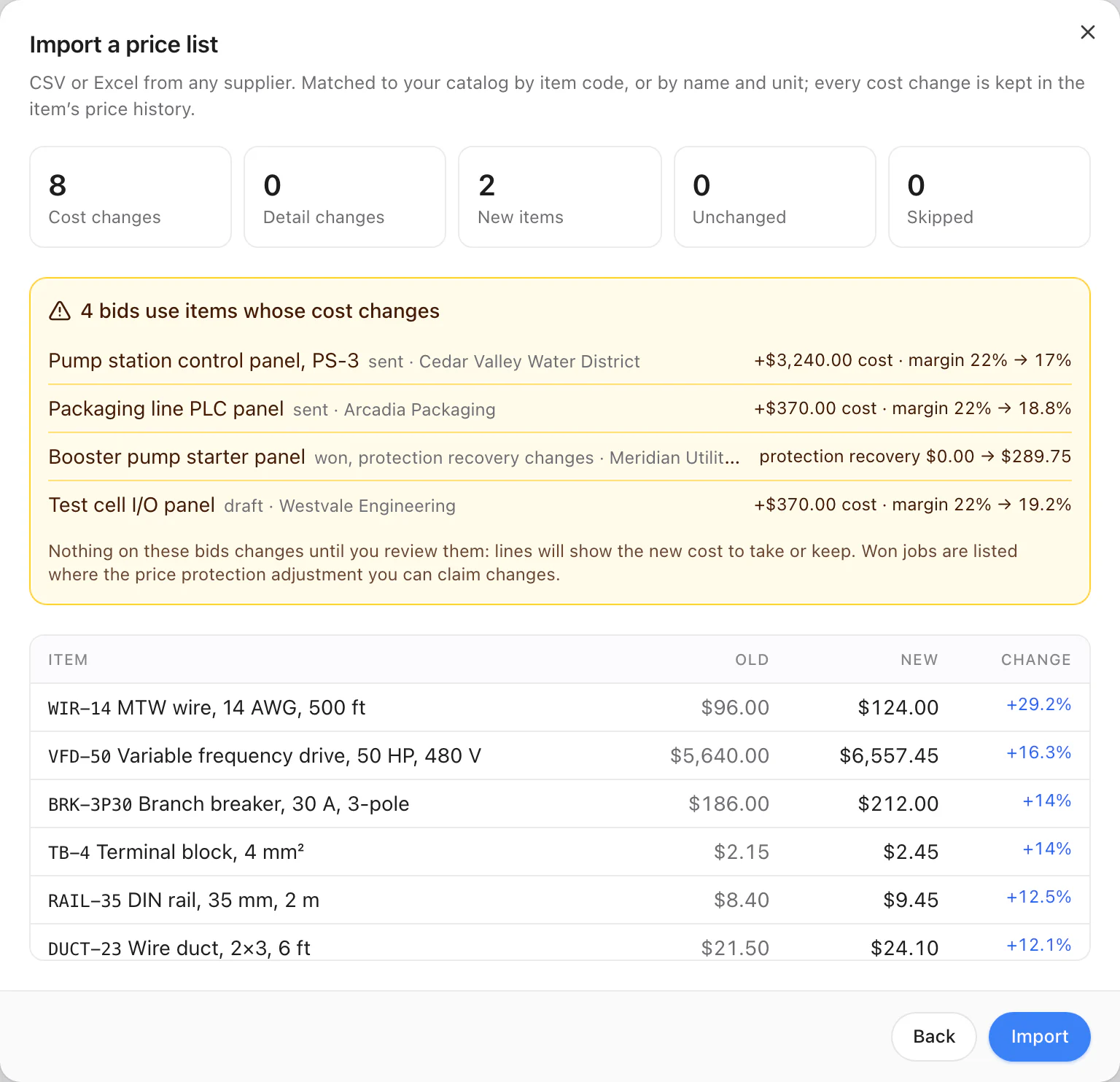
Before you save: which prices changed, which quotes they hit.
Step 2
Leave nothing off
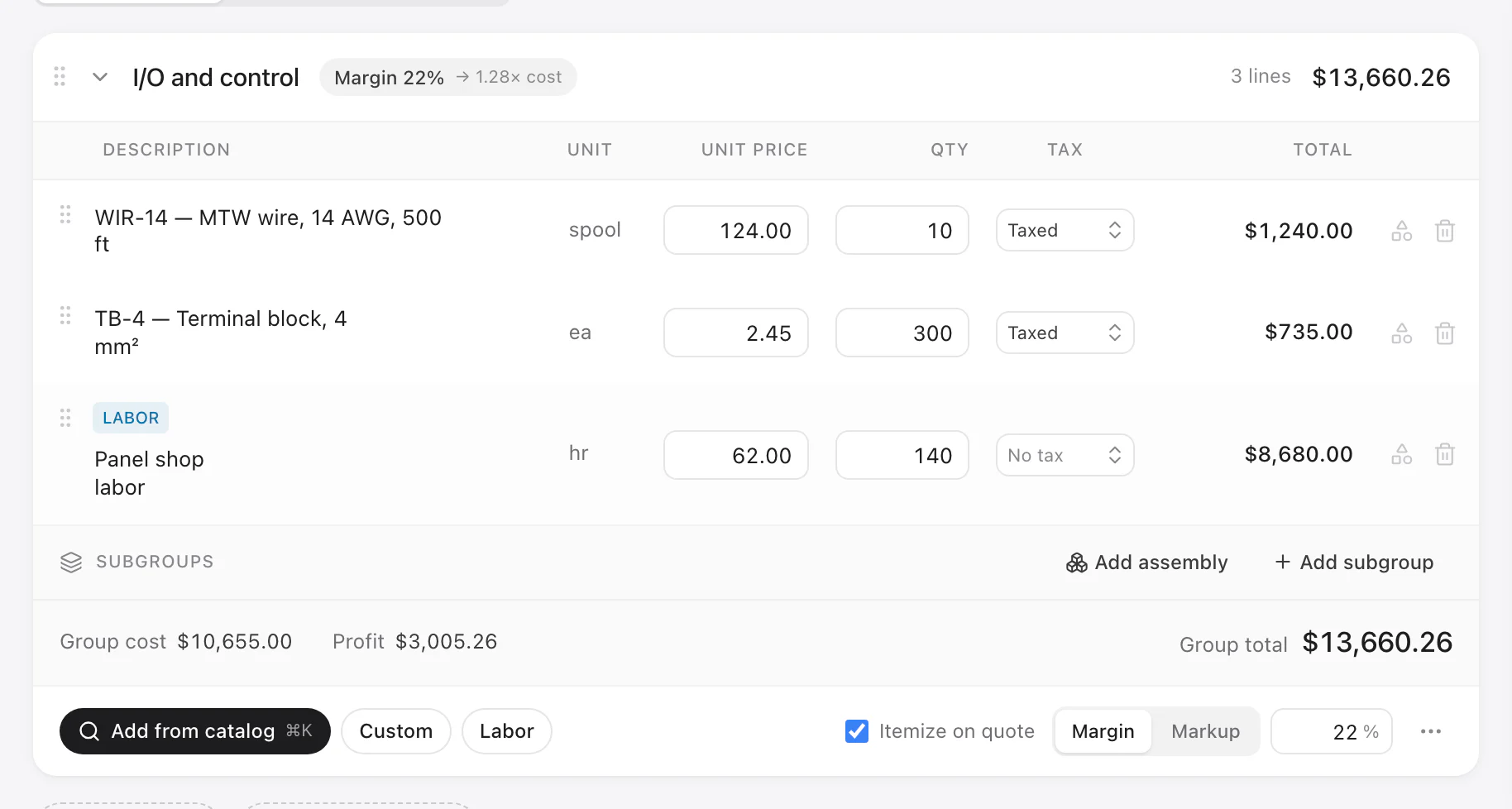
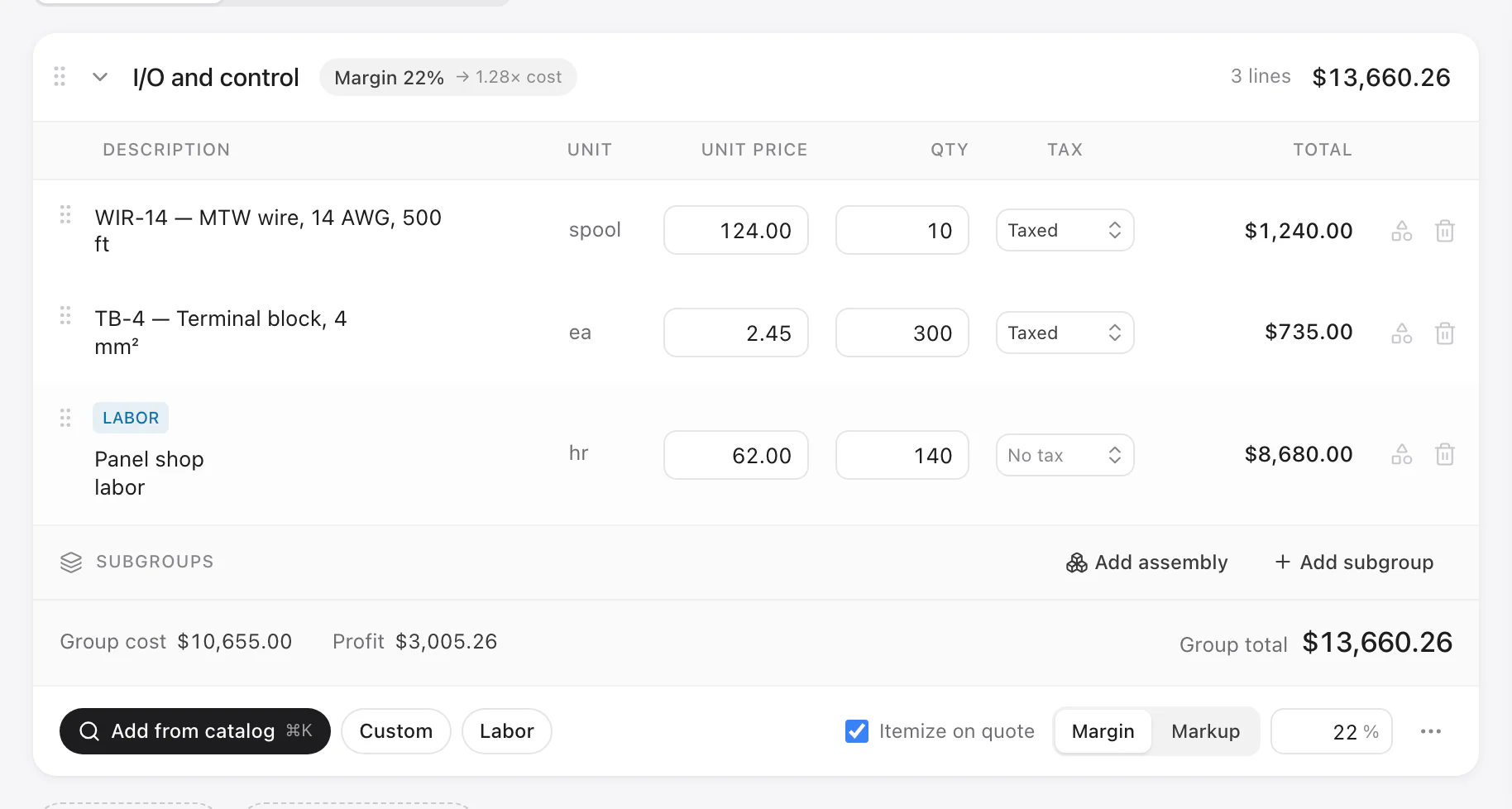
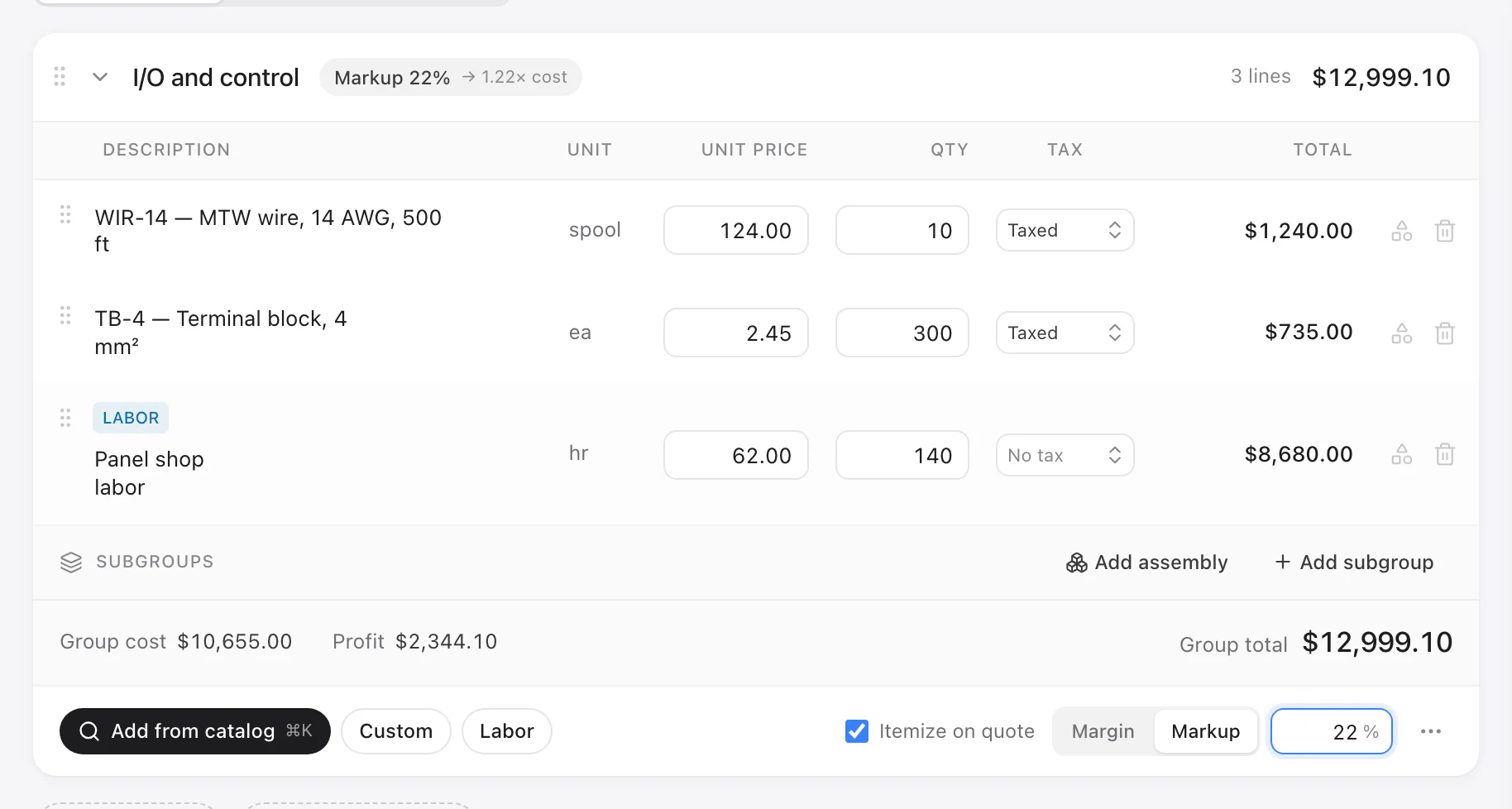
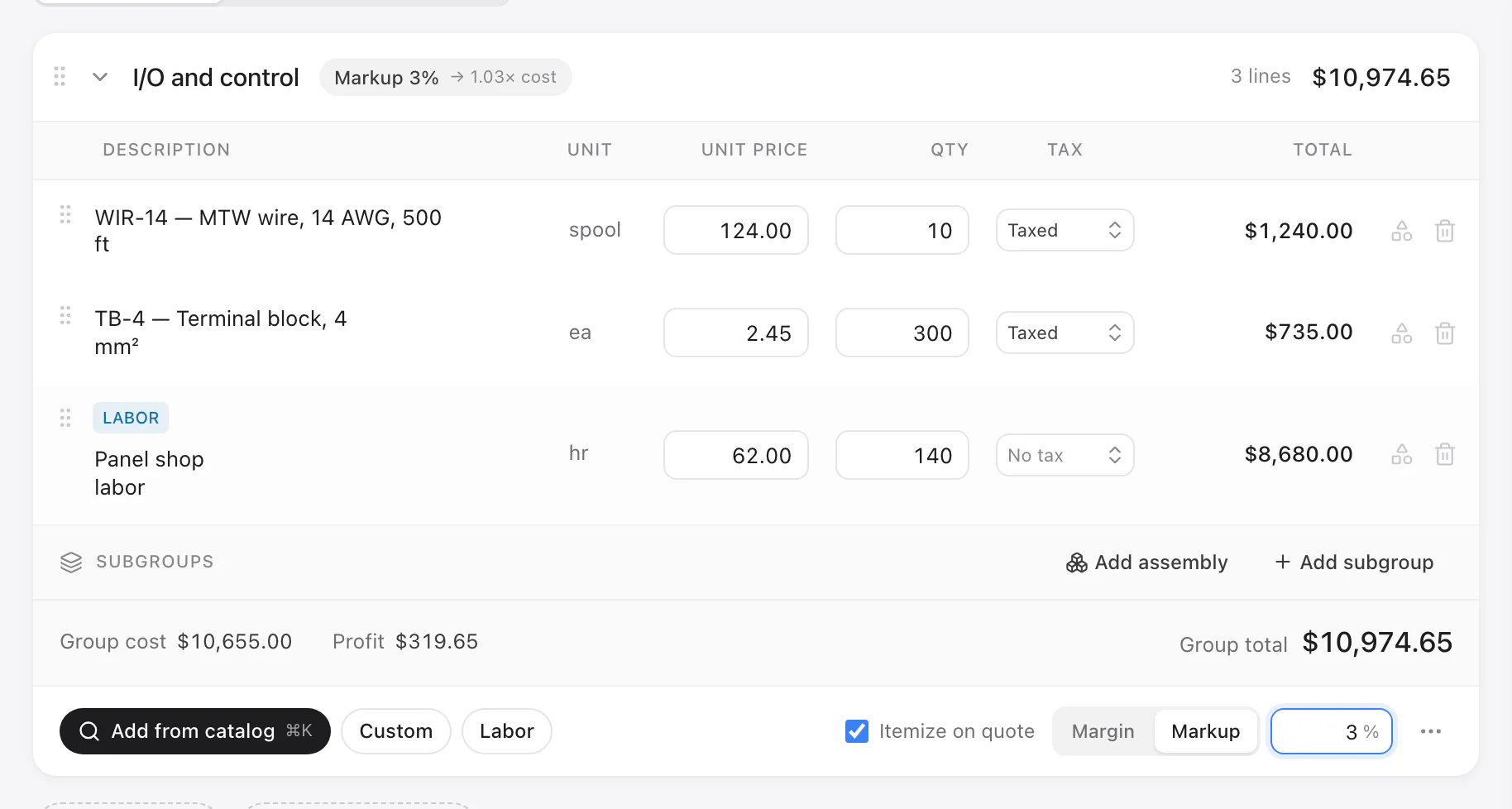
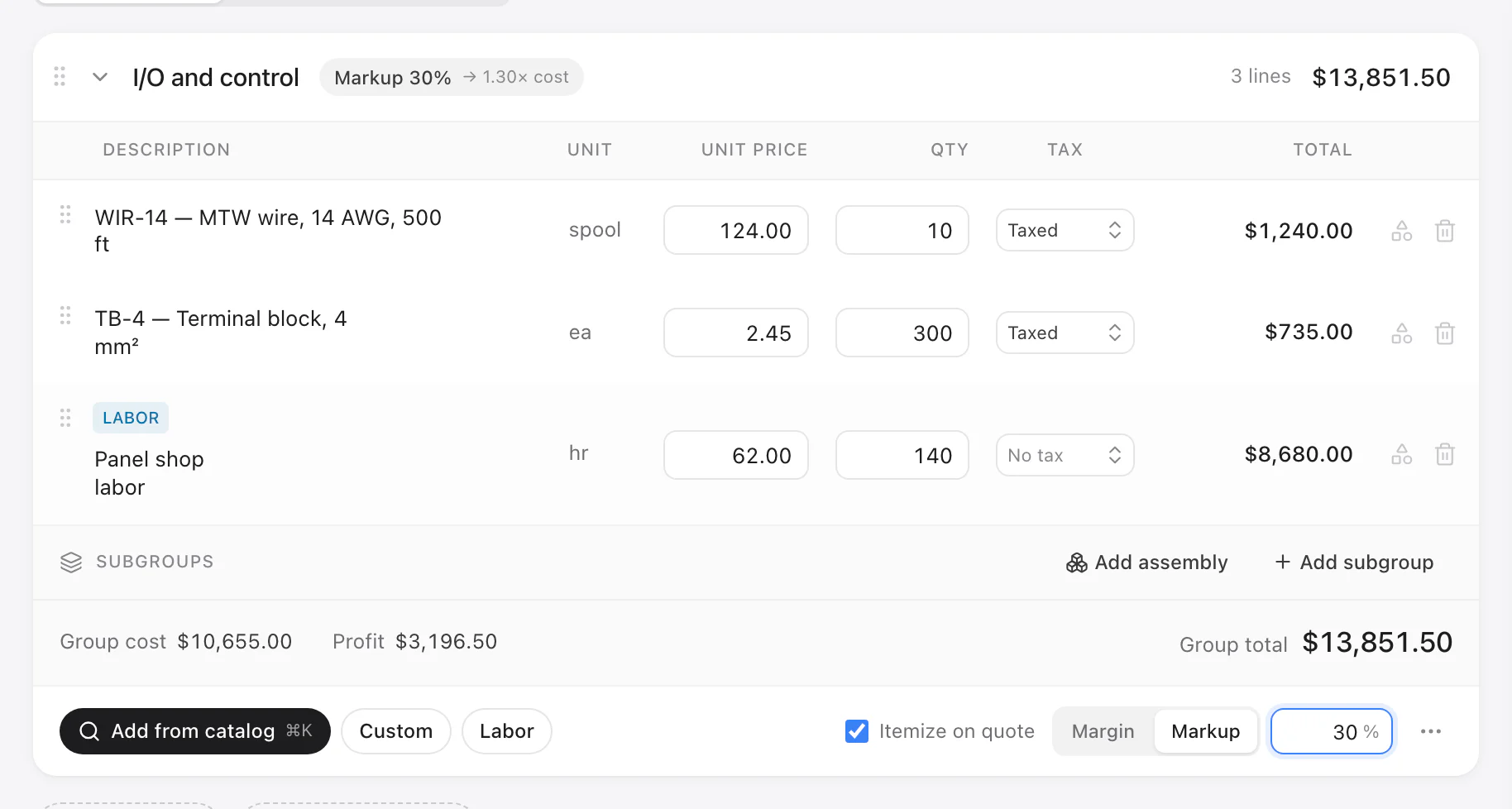
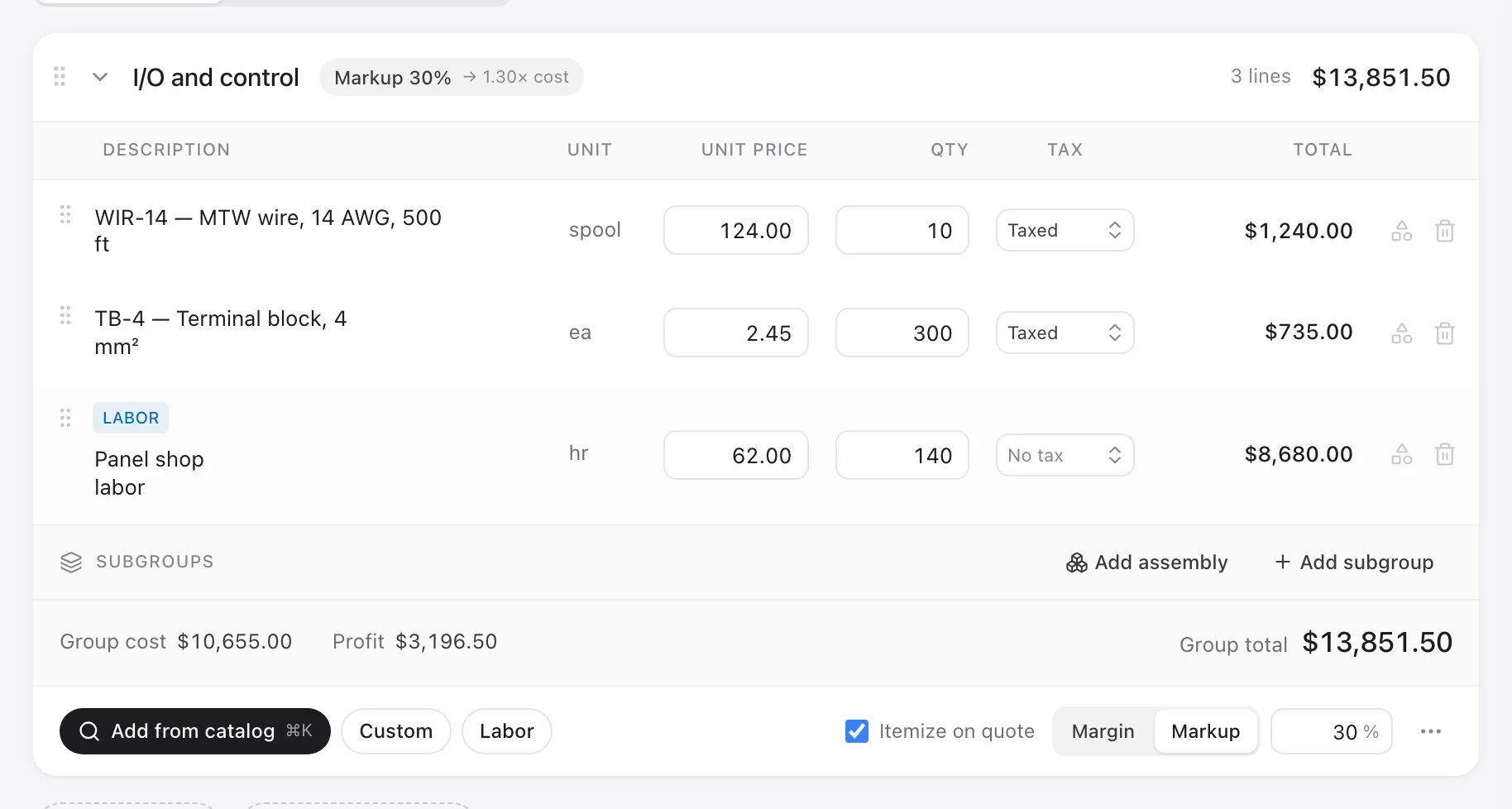
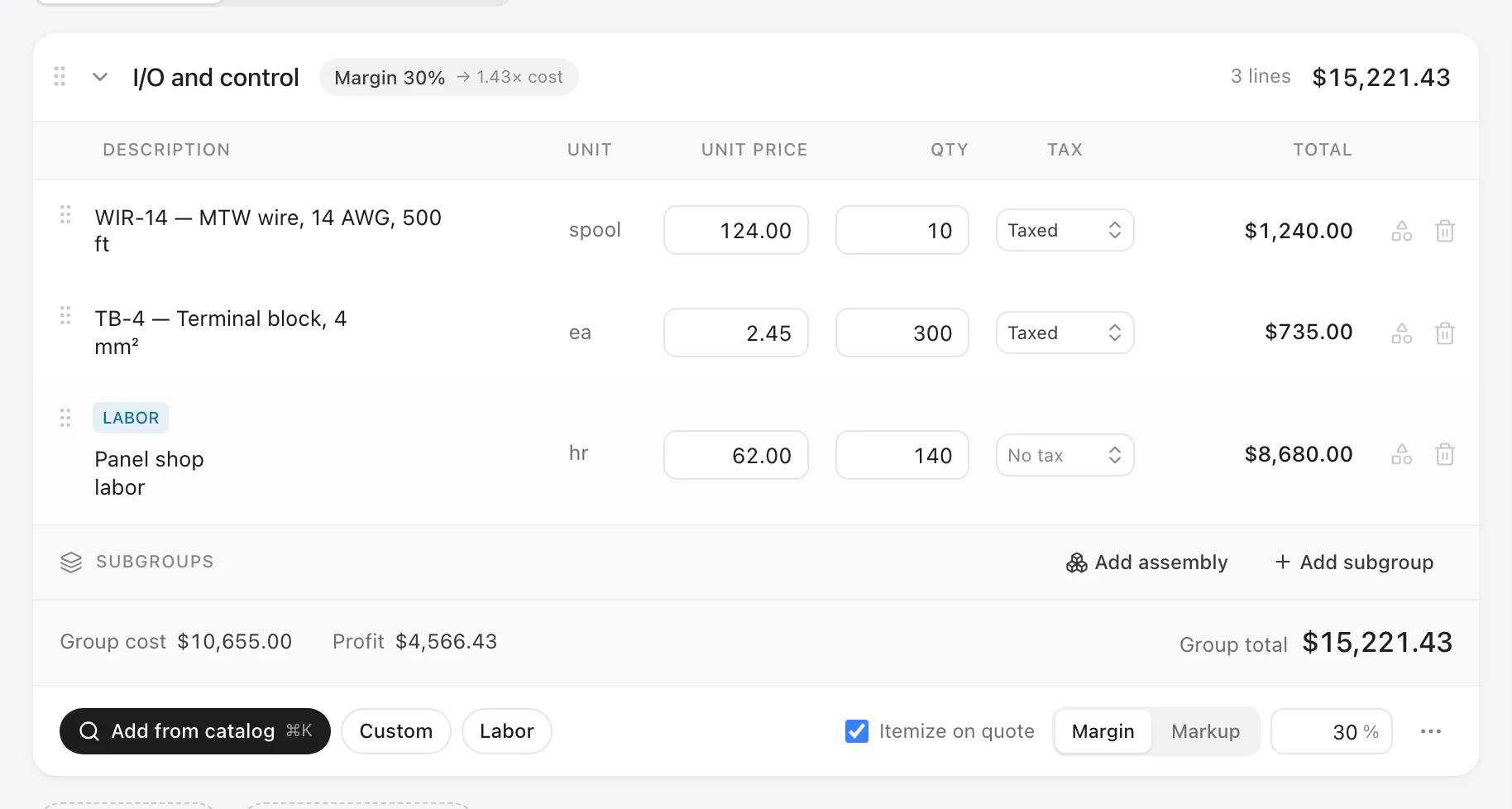
Lay it out like the job: enclosure, power, controls, wiring, engineering, FAT, crating. Import the BOM from EPLAN, AutoCAD Electrical or Excel; part numbers match your price book. Add hours, past assemblies and a margin per section.
Mark what every quote must carry. CostBook won't send one until each is priced or waived with a reason.
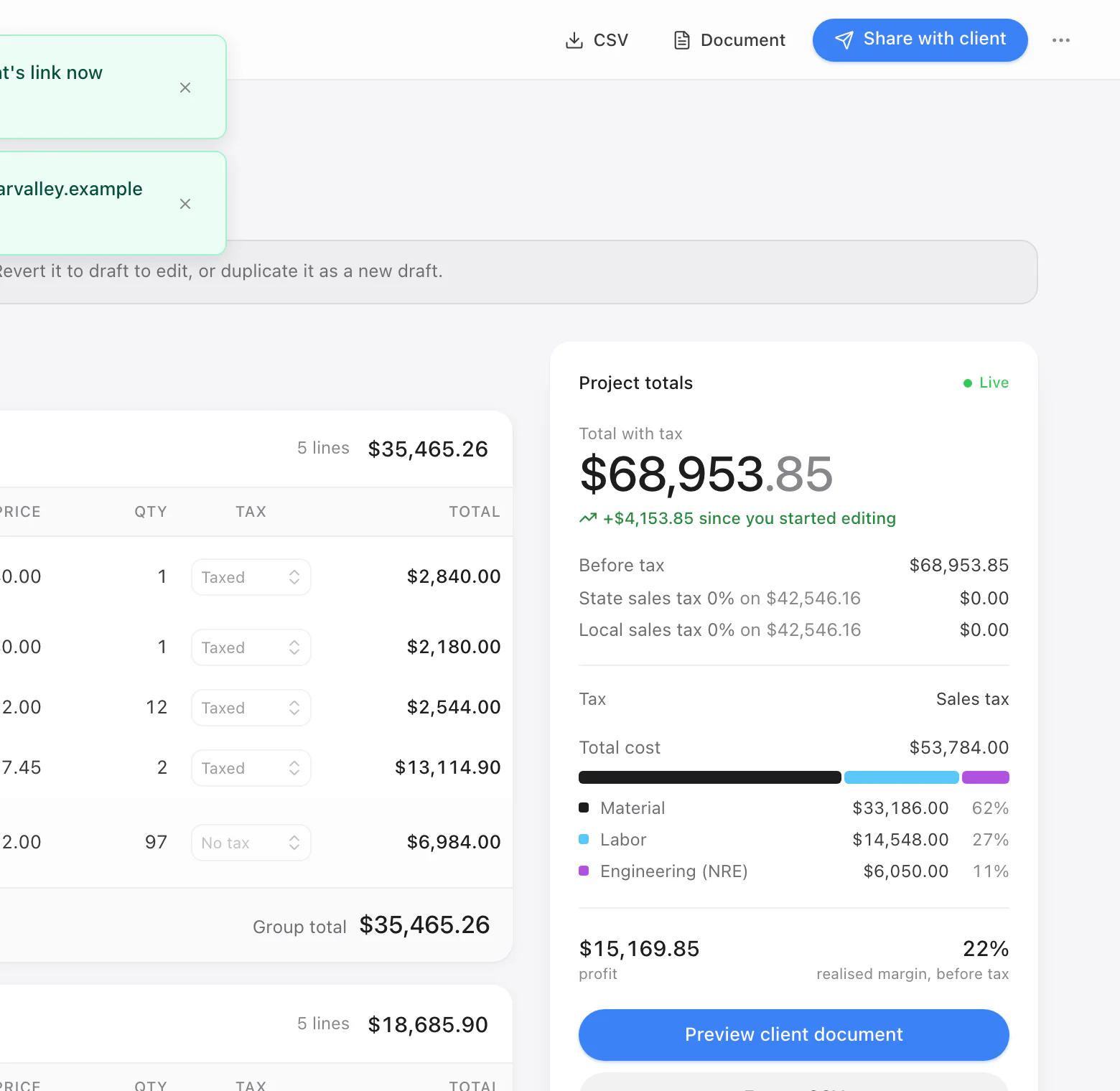
A quote in sections, live totals beside it.
Step 3
Send a quote procurement can file
Send a link or email the PDF. Your customer gets your logo, sections, terms, drawings and datasheets. You see when they open it.
They pick add-ons, accept online and hand the PDF to procurement. You get a record: who, when, which version. No login for your customer, and never your costs.
What your customer sees on a phone.
Step 4
Keep the margin
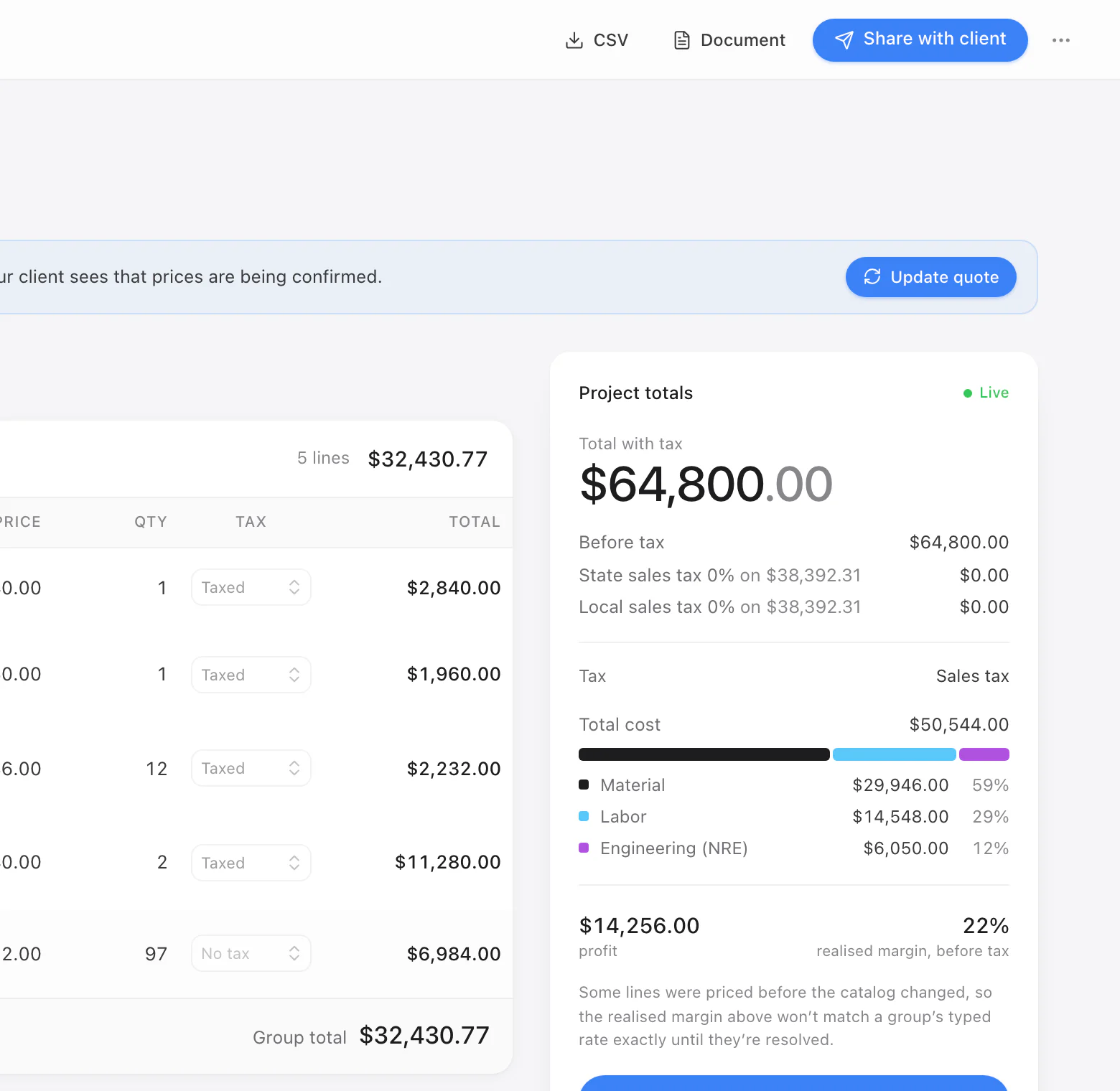
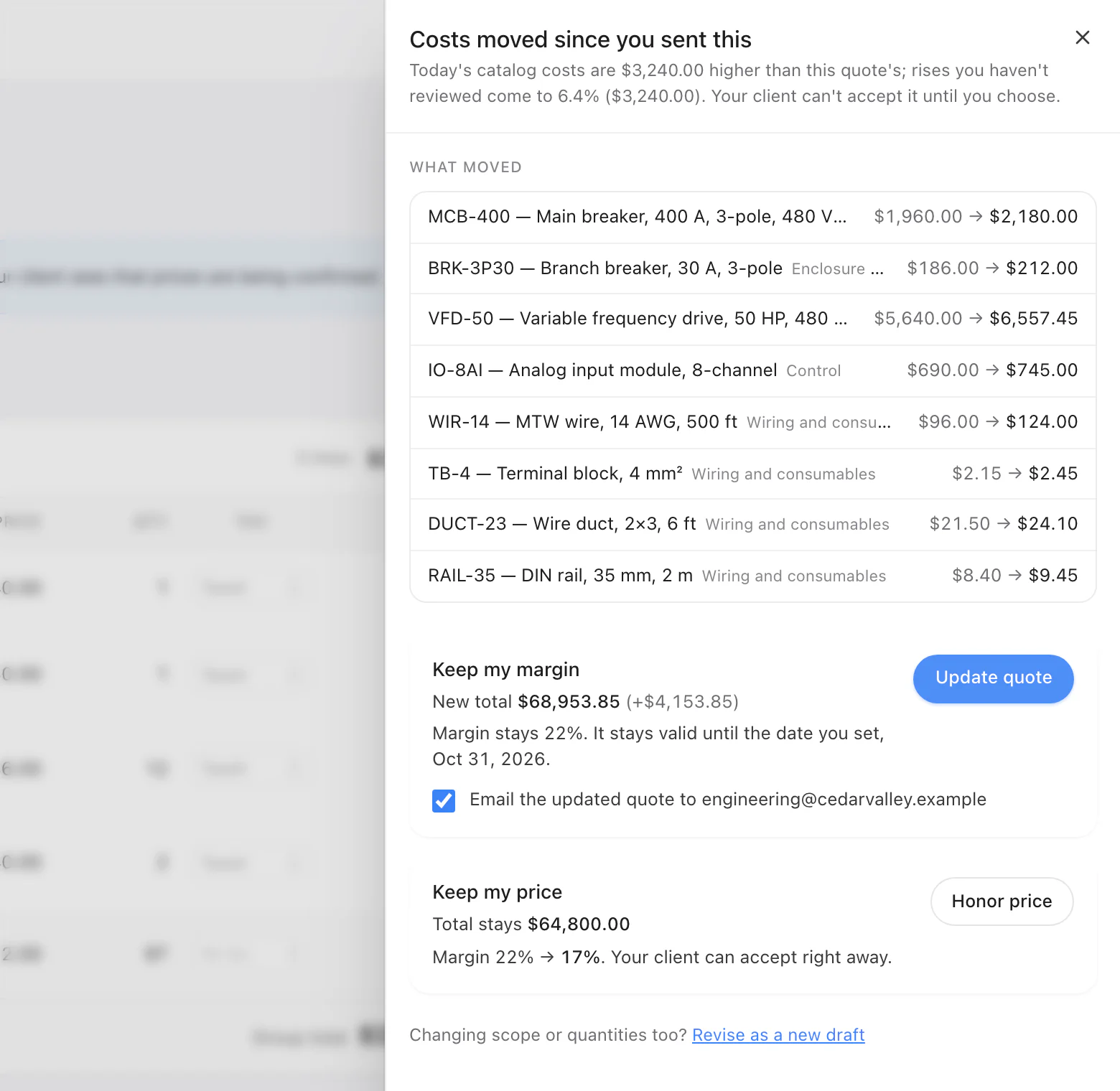
A distributor changes prices. CostBook flags every open quote that lost margin. Sent quote past your limit? Accept waits for your call.
PO in hand? Pro turns the quote into a buy list by supplier, plus a QuickBooks Online-ready export.
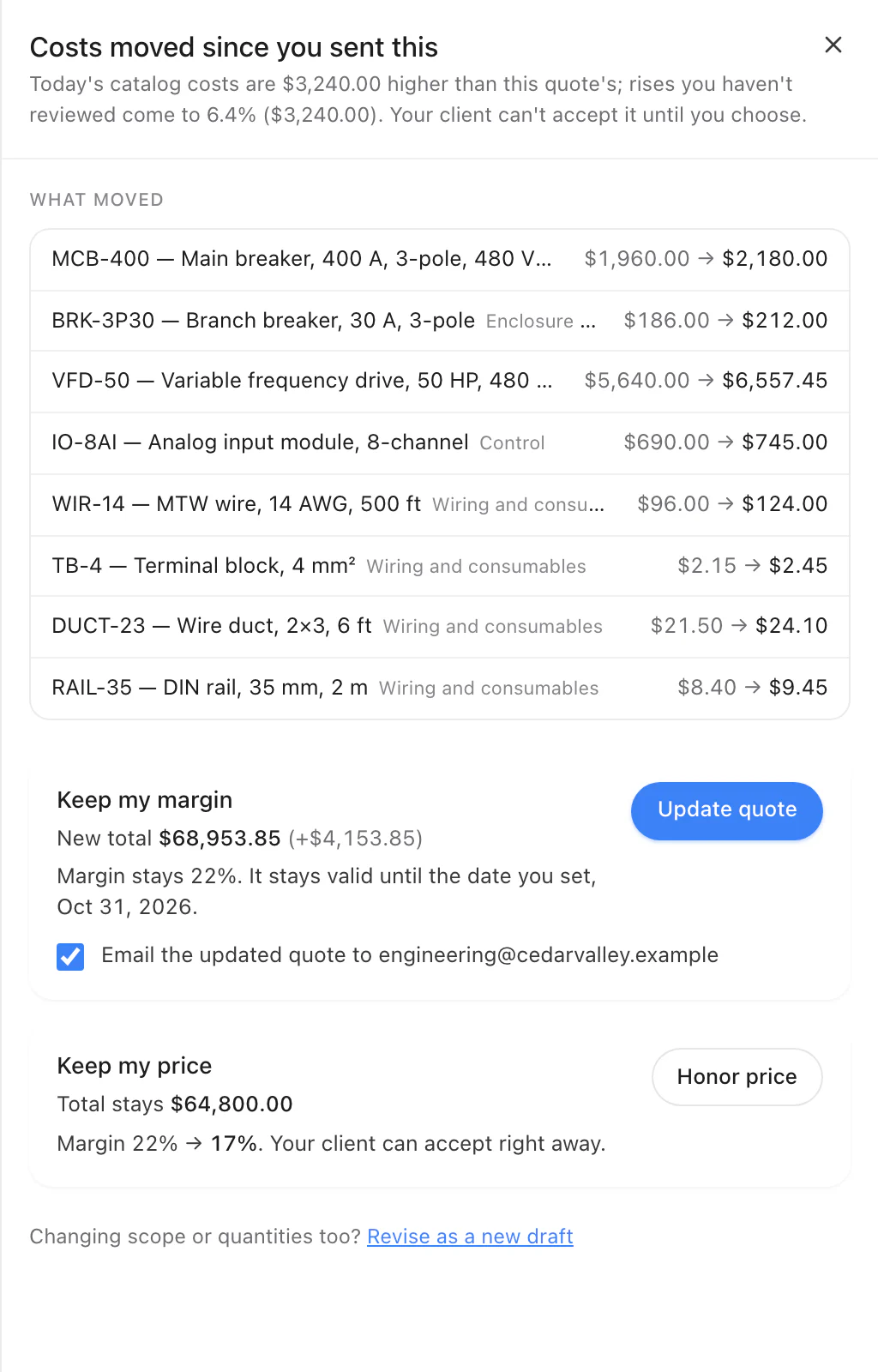
Prices moved after you sent it. Keep your margin or your price.
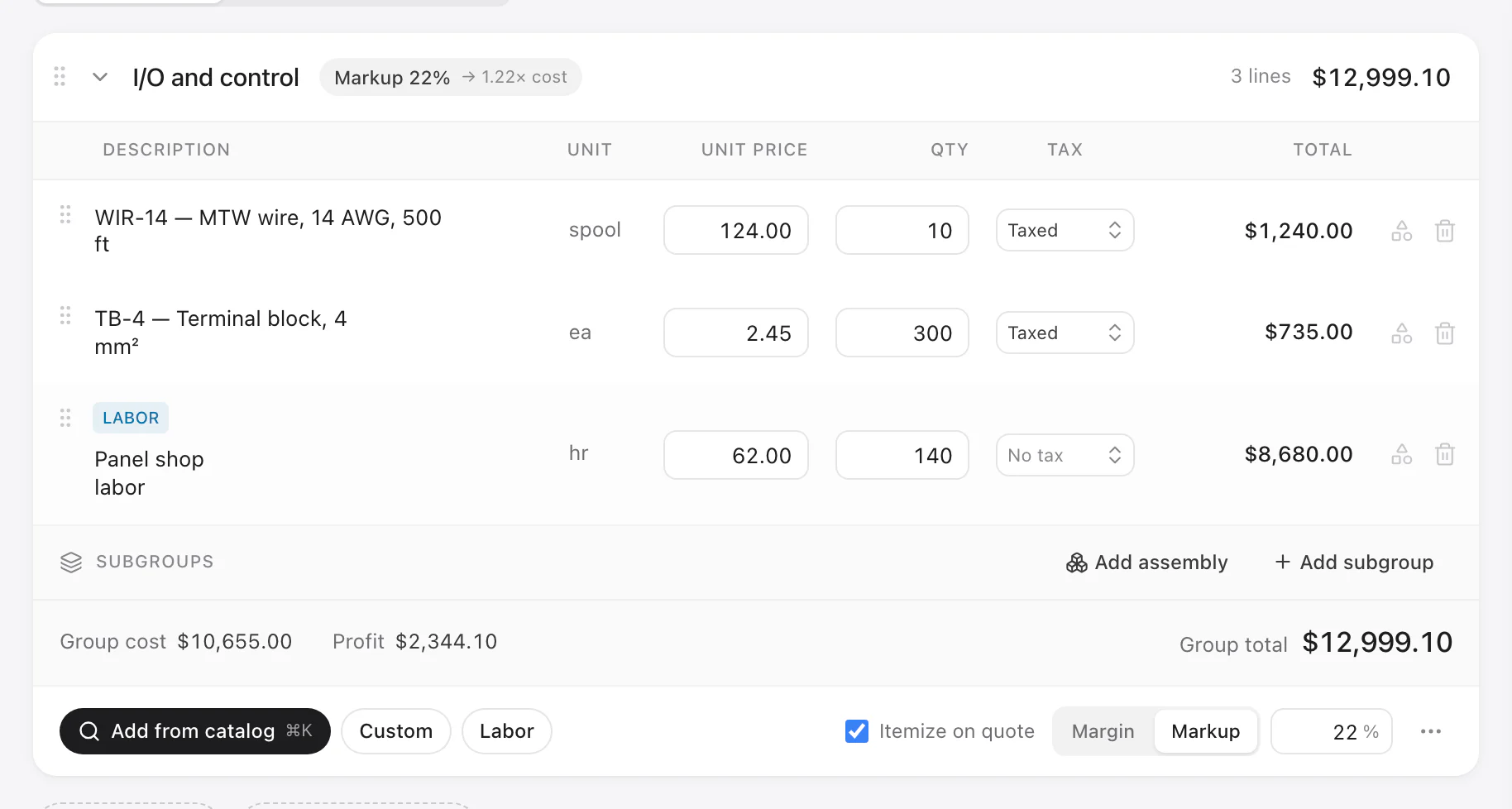


Make the margin you quote. Starting with the next job.
Bring your spreadsheet or use the sample price book. Your first complete quote can go out today.
14 days free · Every feature · No credit card